Regions
Overview
- Regions are available to all customers.
- Currently 1 region is available.
- The dashboard "Overview" shows the resources of the currently selected region.
- Resource limits may vary between regions, in some cases effectively preventing the practical use of (a) region(s).
Goal
- Select Region via GUI (Horizon)
- Select Region via CLI (OpenStack client)
Select via GUI
Prerequisites
- You need to have the login data for the firstcloud API (user name and passphrase).
How to select?
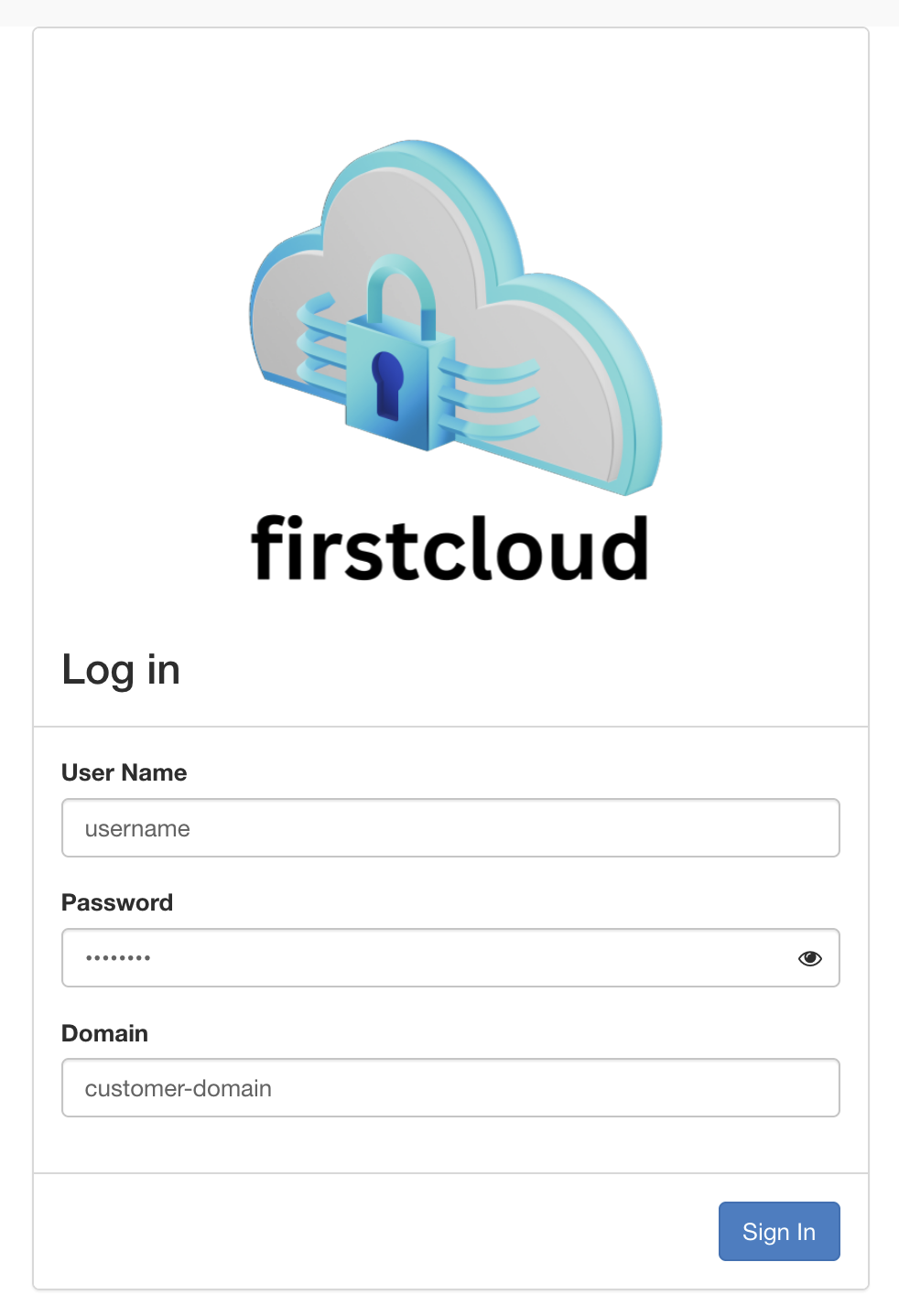
- Log in to the firstcloud Dashboard using the username and password (API credentials) that were provided by firstcolo.
- In order to select a region via the dashboard, go to the dropdown menu at the top of the dashboard.
- There select the region (eu-central-1).
Select via CLI
Prerequisites
- You need to have the login data for the firstcloud API (user name and passphrase).
- The OpenStack CLI-Tools are installed in an up-to-date version.
- Environment variables are set, like shown in the API-Access-Tutorial.
How to select?
The default region is defined in the 'openrc' file in the environment variable OS_REGION_NAME. For your own comfort you can create one 'openrc' file per region and adjust OS_REGION_NAME in each file.
Using the username and password (API credentials) that were provided by firstcolo source the 'openrc' file and enable the CLI client to talk to the firstcloud.
When using the openstack client you can select the region by setting the OS_REGION_NAME variable accordingly. As an alternative you can override it with the command line option --os-region-name <region name>.
The following example shows how to use it:
# openstack --os-region-name <region name> <openstack sub command>

openstack --os-region-name eu-central-1 server list
+--------------------------------------+--------------+--------+-------------------------------------------+-------------------------+----------+
| ID                                   | Name         | Status | Networks                                  | Image                   | Flavor   |
+--------------------------------------+--------------+--------+-------------------------------------------+-------------------------+----------+
| 9cdf2a81-0271-4b6f-aa3e-61asdas51dsa | lampserver   | ACTIVE | lampserver-net=10.0.0.14, 84.200.12.100  | Ubuntu Server 22.04 LTS  | m2.small  |
+--------------------------------------+--------------+--------+-------------------------------------------+-------------------------+----------+
Once the region is selected you can start using resources via API and templates.